The most useful baby monitor is not always the one with the longest feature list. Start with how and where you expect to use it, then compare connection type, everyday reliability, privacy controls, and safe placement. A clear picture of your routine makes it easier to choose features you will genuinely use.
Begin with the job you need the monitor to do
For some families, hearing when a baby wakes is enough. Others want video for quick visual checks, a portable screen for moving around the home, or app access when a trusted caregiver is present. Deciding which of these situations matters to you can prevent paying for features that add complexity without making the monitor more useful.
Think about when you will use the monitor, who needs access, how many rooms or cameras you may want to cover, and whether you prefer a dedicated parent unit or your phone. These practical choices narrow the field more effectively than comparing feature counts alone.
- Do you need audio only, or would video make checks easier?
- Will one caregiver use it, or will several people need access?
- Do you want a dedicated screen, a phone app, or both?
- Could you need an additional camera later?
Compare dedicated and Wi-Fi connections
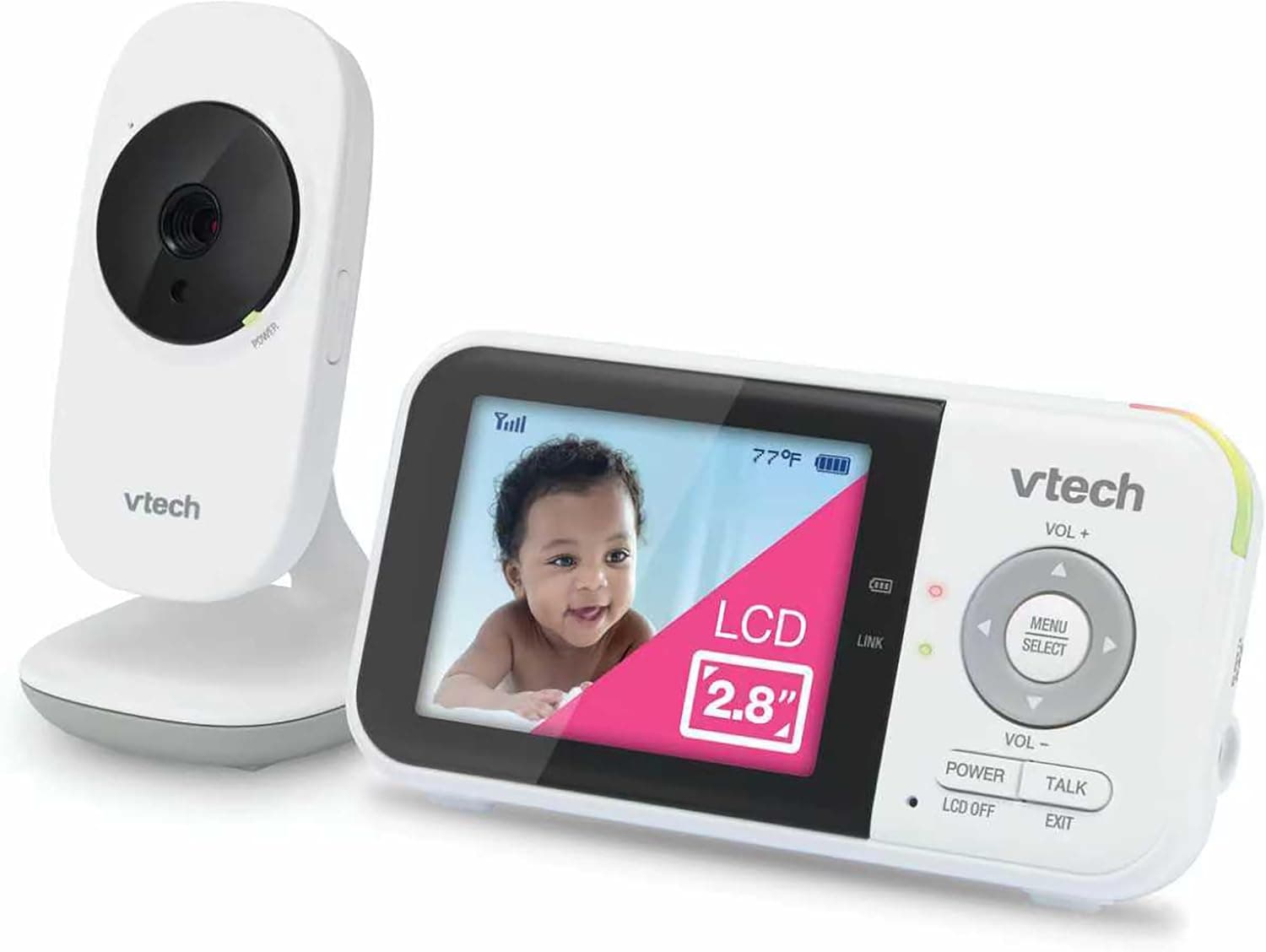
A monitor with a dedicated parent unit usually connects directly to its camera and can be convenient when you want a self-contained system. A Wi-Fi monitor connects through the home network and may allow viewing from a phone, including away from home when remote access is enabled. Hybrid models offer both approaches.
Each option has tradeoffs. Dedicated systems still need enough range for the layout and construction of your home. Wi-Fi models depend on network coverage, the manufacturer’s app, and account security. Consider which type of dependence feels easier to manage in your routine rather than assuming one connection is best for every home.
Focus on features that improve everyday checks
For video monitors, look at picture clarity in both daylight and darkness, the field of view, and whether the camera angle works from a safe mounting position. A larger screen can be comfortable to view, while a smaller parent unit may be easier to carry. Remote pan, tilt, or zoom can help in some rooms but may be unnecessary with a well-positioned fixed camera.
For sound, compare volume control, sensitivity options, visual sound indicators, and whether alerts can be adjusted without becoming distracting. Two-way talk, temperature readings, lullabies, and motion notifications can be convenient, but they should be treated as optional tools rather than proof that a monitor is more reliable or safer.
Check how the monitor fits your home
Published range figures are measured under particular conditions, and walls, floors, wireless interference, and the distance between rooms can affect real-world performance. Review the manufacturer’s stated limitations and buy from a seller with a workable return policy when you cannot test the system first.
Battery life matters most on the device you carry. Check whether the parent unit can last through the periods you expect to use it, how it charges, and whether it gives a clear low-battery warning. Also consider mounting hardware, cable length, travel setup, replacement accessories, and support for additional cameras.
- Range that suits the walls and floors between rooms
- Battery life and charging that fit your routine
- A stable mounting option with safe cable management
- Clear alerts for lost connection and low battery
- Expansion support if you expect to add another camera
Treat connected-camera privacy as a buying feature
A Wi-Fi camera may show one of the most private rooms in the home, so security deserves attention before purchase. The U.S. Federal Trade Commission recommends researching whether a connected camera protects livestreams and stored video with encryption, supports strong account controls, and receives software updates.
After setup, replace default credentials, use a unique strong password, enable two-factor authentication when available, keep the camera and viewing app updated, and limit shared access. If you do not need remote viewing, look for a model that lets you disable it. Review what is stored, where it is stored, and whether recordings can be deleted.
- Encryption for account information, livestreams, and stored video
- Two-factor authentication for remote accounts
- A clear software-update policy from the manufacturer
- Controls for guest access, recording, and remote viewing
- A privacy policy you can understand before creating an account
Plan safe placement before choosing a mount
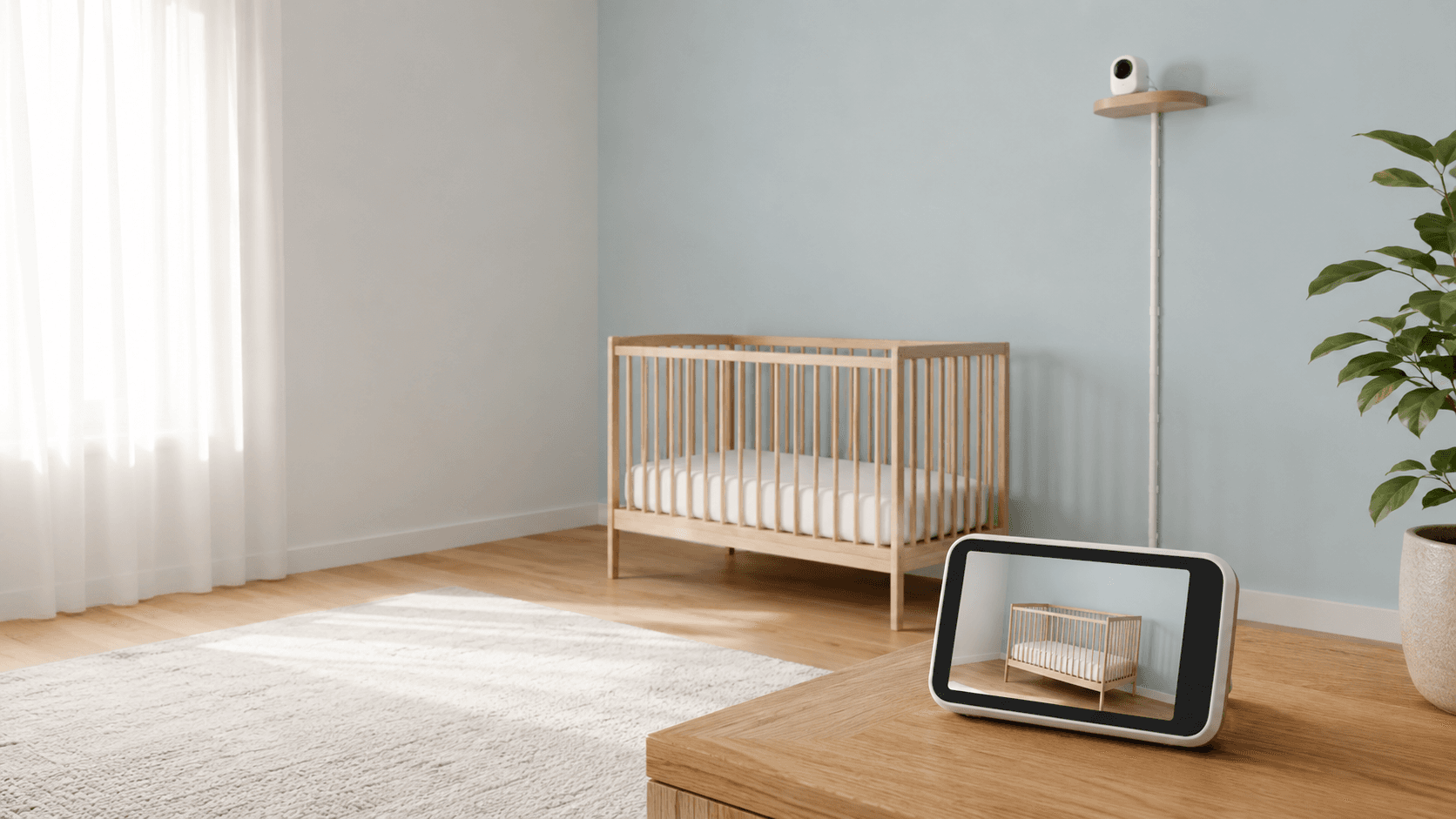
The U.S. Consumer Product Safety Commission warns that baby-monitor cords can present a strangulation hazard. It advises keeping cords at least three feet away from every part of a crib, bassinet, play yard, or other sleep space, and never placing a monitor inside or on the edge of the sleep space. Recheck placement as a child grows and becomes able to reach farther.
A monitor can make it easier to hear or see your baby, but it does not replace direct caregiving, product instructions, or safe-sleep practices. The American Academy of Pediatrics also advises that consumer wellness monitors should not be used as a way to reduce the risk of SIDS. Choose a monitor for the practical awareness it provides, not as a guarantee of safety.
Ready to explore?